
Outgrowing Clockify? How to Choose Automatic Time Tracking for Your Team
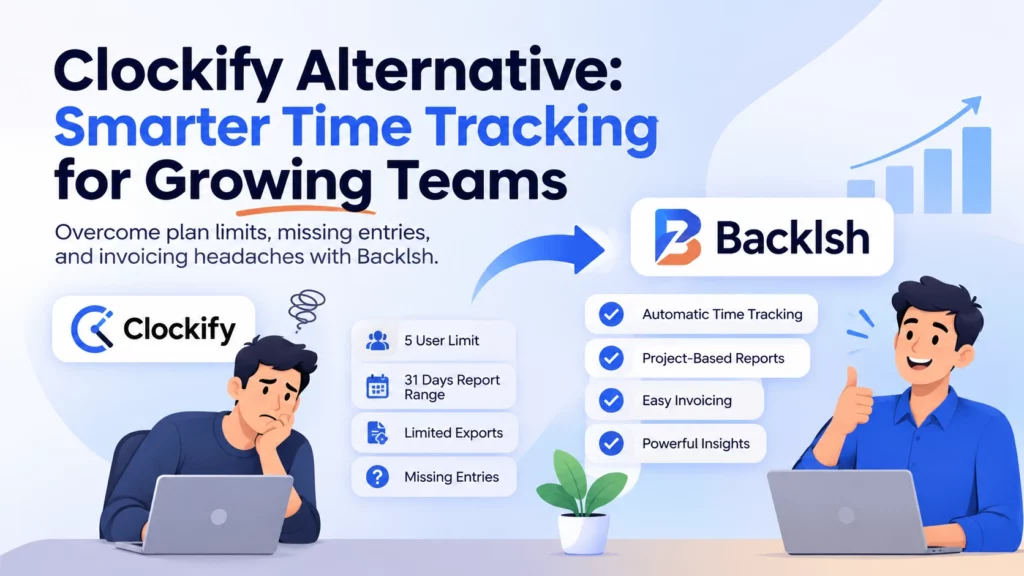
When a team outgrows its time tracker, the first sign might be a plan limit. It might also be a Friday spent chasing missing entries or an invoice you cannot reconcile against project hours. Those problems call for different fixes. Before choosing a Clockify alternative, work out where your current process breaks: capturing the time, assigning it to a project, or getting it out in a usable format.
What founders and Clockify users are asking
Clockify users discussing its Free plan changes raised questions about historical data, reporting and how to move their records. One later discussion asked how to join Clockify data with other sources for analysis. A participant described reconciling hours with invoice lines as the difficult part of finding unbilled client work. Free plan discussion · Historical data question · Reporting discussion
Agency leaders describe a problem earlier in the process. One owner said missing entries surfaced during month-end invoicing, when the work was hard to reconstruct. In a founder discussion, participants asked how much of the week disappears into coordination and follow-ups. An agency designer described the employee side of that burden: recording every small message and transition made the workday harder. Agency owner question · Founder discussion · Designer discussion
These are self-reported examples from a qualitative review. They suggest three questions a founder can test with their own team.
- Capture: How much work gets reconstructed after the fact?
- Classification: Can the reviewer tell which project the time belongs to?
- Portability: Can finance take a period of approved records and use it without rebuilding the data?
What changed on Clockify’s Free plan?
Clockify documents a limit of five active users, including the owner, and a maximum report date range of 31 days at a time. Free report exports are available as PDFs, while CSV and Excel report exports require a paid plan. The workspace owner also has a separate workspace data export for the current year’s time entries. That export serves a different purpose from a filtered report. Check what fields and historical periods your workspace can export before planning a migration. Clockify’s Free plan documentation
If your team logs reliably and the only issue is access to a report, compare a Clockify upgrade with the work of moving systems. If missing entries are the recurring problem, test how each option produces a timesheet during a normal workday.
How does Backlsh handle automatic project time tracking?
Clockify offers timers, manual entry and a desktop Auto Tracker. Its Auto Tracker keeps activity records on the device, and the user selects which activities to turn into timesheet entries. This can suit teams that want each person to control what they submit. Clockify Auto Tracker documentation
Backlsh’s Windows and Mac desktop tracker captures work activity in the background and builds reviewable timesheets. Project mapping rules can use recognizable work context, such as an application, website or file name, to help organize time by project. Managers can review project reports alongside relevant activity context. This is useful for a team that changes clients frequently and wants fewer timer starts and fewer records to reconstruct. Backlsh features · Project tracking guide
Start with rules for activities that clearly belong to one project. A shared inbox or a design app used by several clients is ambiguous on its own. Review those entries, check offline work against the team’s own records, and confirm billable classification before invoicing. Tell staff what is recorded, who can see it and how they can flag errors. If you use screenshot monitoring, explain that separately. Backlsh monitoring policy template
Backlsh customer case study: Multitech Servers
As its distributed IT team grew, Multitech Servers relied on updates and follow-ups to understand how cloud, development and support work was progressing. Founder Vipin Garg wanted managers to see project activity with enough context to investigate workflow issues.
The company started with a 10-user trial and expanded to 38 remote Windows and Mac users. Backlsh’s published case study reports that the rollout took 15 days, and Garg noticed a difference in visibility within 10 days. Managers reported fewer manual follow-ups and a clearer view of project activity after introducing automatic timesheets and project-linked context. The reported changes are qualitative. Multitech Servers customer story
Another customer perspective: Boxinall
Backlsh’s homepage also publishes a testimonial from Boxinall’s CMO describing a positive effect on team productivity. It is a shorter customer account, with no published rollout timeline, baseline or measured result in the testimonial. Backlsh customer testimonial
Run a one-week comparison before switching
- Export a representative period. Check which users, projects, timestamps, notes and billing fields come through. Save a historical archive and confirm finance can open it.
- Test one team’s ordinary work. Include a day with meetings, a shared app, two clients and offline work. Ask team members to review how their time was captured and assigned.
- Measure cleanup. Compare time spent reconstructing entries, missing entries, corrections and unmatched project hours across both workflows. Record any extra reporting or review steps.
- Reconcile a sample invoice. Match approved entries to the relevant client and billing period. Use your contract and costs to decide what is chargeable and what the work cost to deliver.
A subscription comparison is easiest once you know which steps your team still has to perform each week. If desktop capture and project reports are what you need to test, use a real project to evaluate Backlsh. Backlsh plans and trial
Frequently asked questions
Is Backlsh a Clockify alternative for remote teams?
It is an option for Windows and Mac teams that want automatic work capture, reviewable timesheets and project reports. If you depend on a specific Clockify invoicing feature, integration or export, verify the replacement workflow during the pilot.
Does Clockify have automatic time tracking?
Yes. Its desktop Auto Tracker records activity locally. The user decides which records to turn into timesheet entries. Clockify Auto Tracker
Can I take my Clockify history with me?
Check both the Reports and Workspace settings export options. Their format, scope and availability can differ. Download a test file and check the date range, project names and timestamps before you change plans. Keep the archive even if your new tool cannot import every field. Clockify export guidance
Does automatic time tracking make hours billable?
The tracker provides a record of activity or effort. Billing depends on the project assignment, the client agreement and your approval process. Review ambiguous entries and include offline work where appropriate.
What should a founder measure during a trial?
Track missing entries, minutes spent on corrections, hours assigned to the wrong project, and whether approved hours match the export. Ask the team which parts of recording and review took extra effort.